
As an Amazon Associate, I earn from qualifying purchases. This post contains affiliate links, and I may earn a commission at no extra cost to you. All images are for illustrative purposes only, and actual products and services may differ from those shown.
For remote workers, building a practical eye care routine can be a simple way to make screen breaks part of the workday. For many people working from home, screens are a constant part of the day. Between back-to-back video meetings, drafting documents, and clearing out your inbox, it’s easy to spend hours looking at a monitor without even realizing it.
After a long stretch, you might start noticing that your eyes feel tired, dry, or strained. This is a common response to prolonged close-up focus and digital screen use. We also tend to blink less frequently when we’re concentrating on a screen, which can contribute to that dry, uncomfortable feeling.
Fortunately, you don’t need a complicated setup to make your workday more comfortable. A few simple adjustments to your daily routine may help when you’re spending long periods in front of a screen.
Try the 20-20-20 Rule
When you’re deep in the zone, hours can fly by before you remember to look away from your laptop.
One habit I try to follow is the 20-20-20 rule: every 20 minutes, take a break to look at something at least 20 feet away for at least 20 seconds. It’s a simple reminder to give your eyes a chance to shift focus and rest from close-up screen work.
If you’re prone to losing track of time while working, try setting a quiet timer or using a subtle desktop reminder.
While you’re at it, pay attention to how often you blink. Since people often blink less when concentrating on a screen, making a conscious effort to blink normally may help keep the surface of your eyes moist.
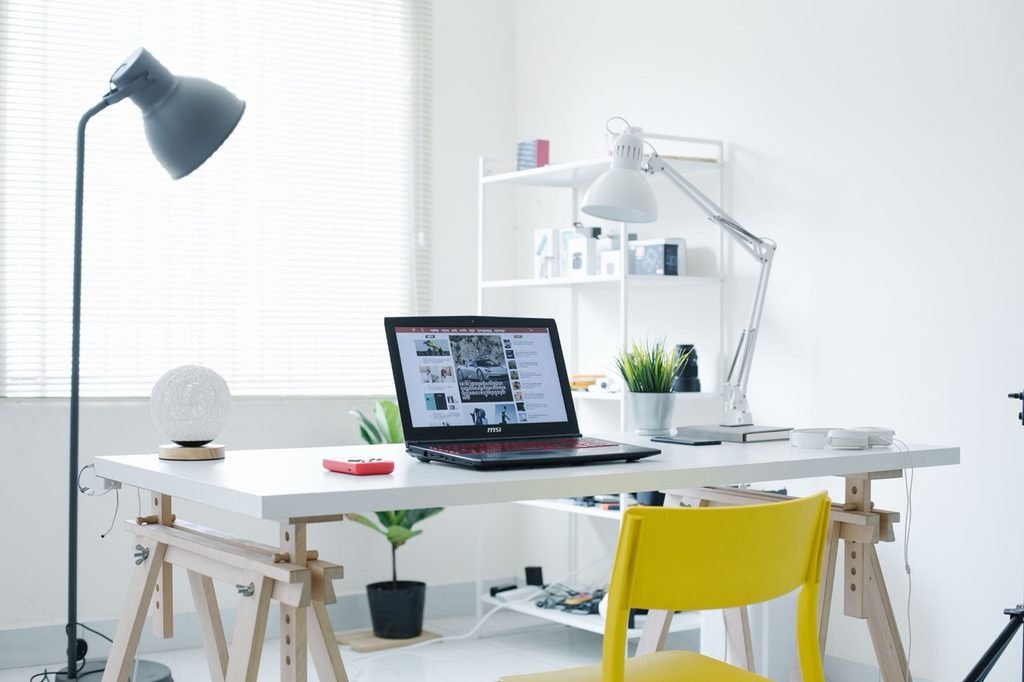
Image for illustrative purposes only
Pay Attention to Lighting and Glare
The lighting in your home office can also affect how comfortable your eyes feel by the end of the workday.
If sunlight is reflecting directly off your monitor, try repositioning your desk or adjusting the angle of the screen. You can also position your workspace so that windows are to your side, rather than directly in front of or behind the screen, to reduce noticeable glare and strong differences in brightness.
The goal isn’t to work in pitch darkness or under blinding lights. Instead, try to keep the brightness of your screen and the surrounding room at a comfortable level and reduce noticeable glare.
If your desk feels too dim for reading notebooks or paperwork, a simple, adjustable desk lamp may be enough.
Adjustable Lighting Options Worth Considering
An adjustable LED desk lamp may also be useful when you need more control over your workspace lighting. Features such as adjustable brightness, flexible positioning, and different lighting modes can make it easier to customize your desk setup. When choosing a lamp, consider your workspace size, lighting preferences, and where the light will be directed to help minimize unwanted screen glare.
Here are five adjustable lighting options worth exploring on Amazon:
👉 LED Desk Lamp with Clamp (paid link)
👉 Clip On LED Desk Lamp (paid link)
👉 Dual LED Desk Lamp with Clamp (paid link)
👉 LED Floor Lamp with Double Head Adjustable Gooseneck (paid link)
👉 TORCHSTAR Metal Desk Lamp, Adjustable Swing Arm (paid link)
Make Your Breaks Actually Screen-Free
We’ve all done it: the minute a meeting ends, we close our laptop only to immediately pick up our phone to check social media or the news.
While that might be a mental break from work, your eyes are still looking at another close-up screen. If your eyes are already feeling fatigued, consider stepping away from digital devices during some of your short breaks.
Instead of scrolling, try walking outside for a few minutes, looking out the window at the sky, doing a quick stretch, or grabbing a cup of coffee. The main idea is simple: give your eyes regular opportunities to rest from close-up digital work.

Image for illustrative purposes only
Final Thoughts
In my experience, dealing with screen fatigue doesn’t require an elaborate or expensive routine. A practical approach simply comes down to a few small, consistent habits throughout the day: looking away regularly, blinking naturally, managing workspace lighting, and taking some screen-free breaks.
While these everyday adjustments may make a screen-heavy workday more comfortable, they aren’t a substitute for professional medical care. If you experience persistent eye discomfort, frequent headaches, or vision changes despite making these changes, consider speaking with an optometrist, ophthalmologist, or other qualified healthcare professional.
Disclaimer:
This article is provided for general informational purposes only and is not intended to provide medical advice, diagnosis, or treatment. Individual needs and symptoms can vary. If you have persistent eye discomfort, headaches, vision changes, or other health concerns, please consult with an optometrist, ophthalmologist, or other qualified healthcare professional.